
Introduction
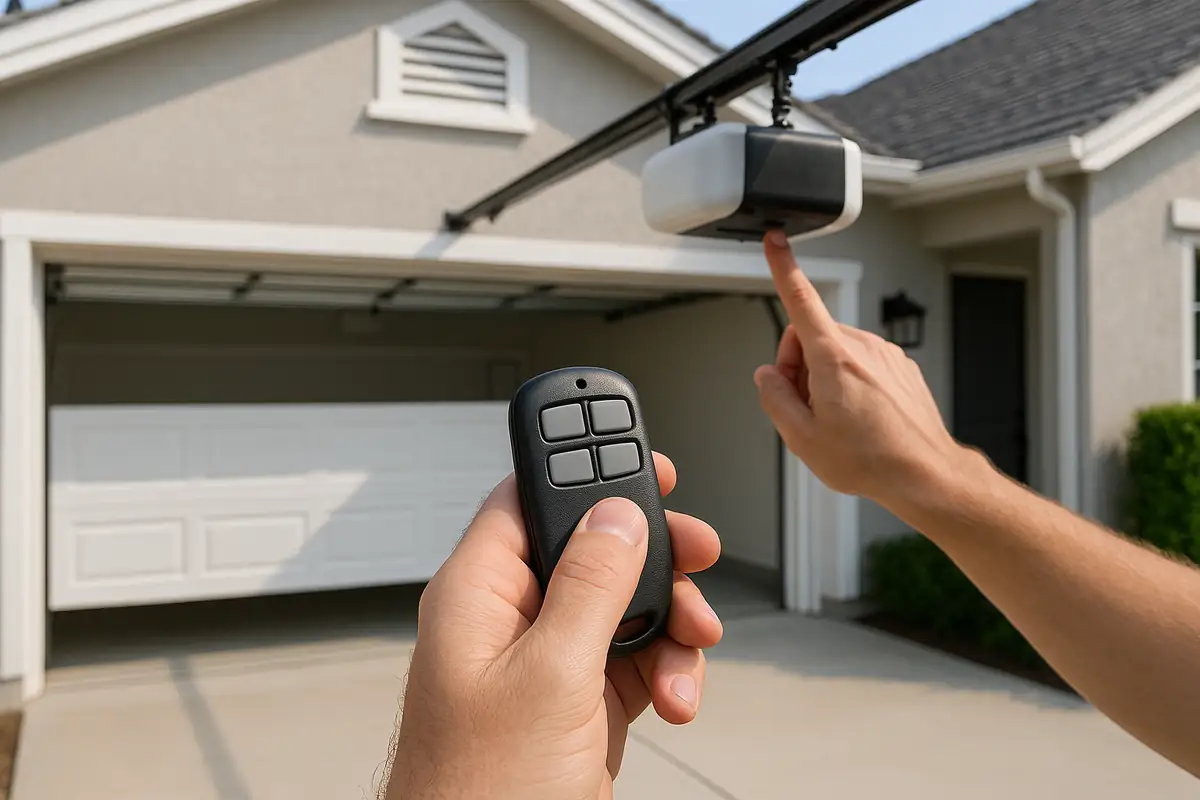
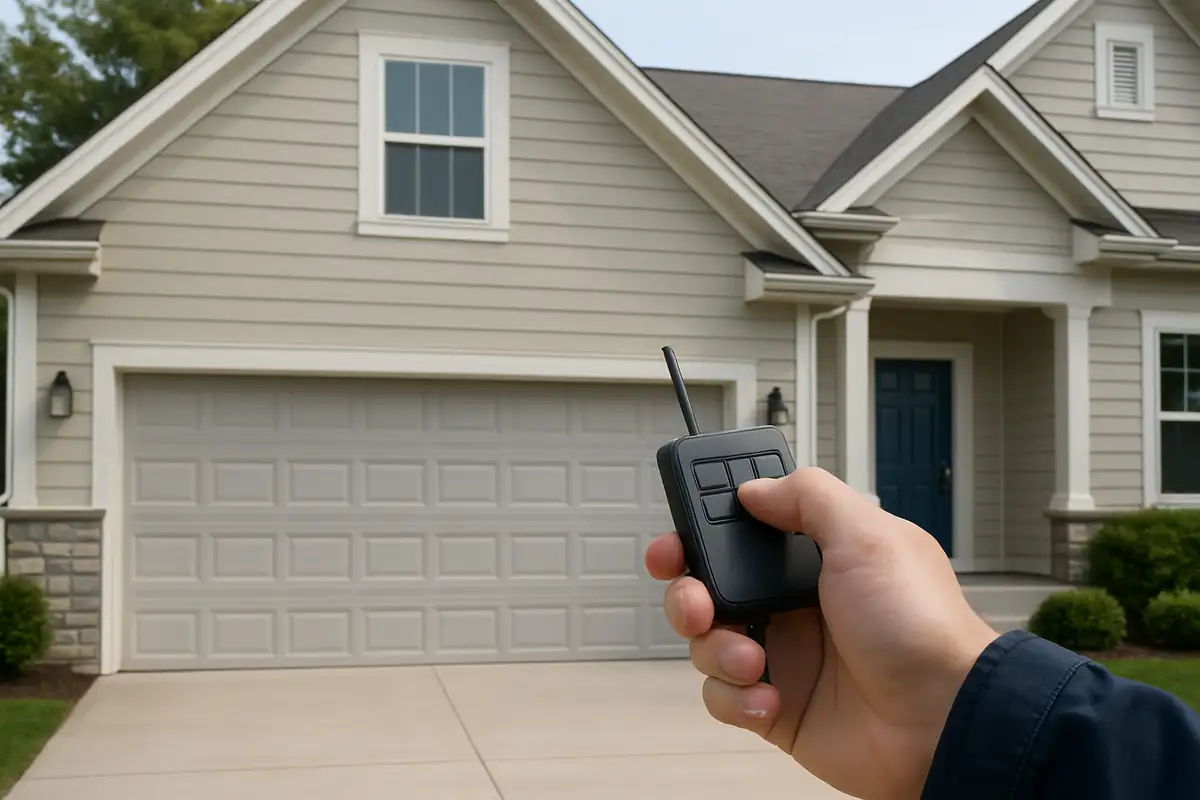
Is your garage door remote acting up? Programming it correctly is essential to ensure smooth operation and enhance your convenience at home. At Mega Garage Door Repair in Ocala, FL, we understand how frustrating it can be when your remote isn’t functioning properly. In this comprehensive guide, we’ll walk you through the steps on how to program your garage door remote, ensuring you regain control of your garage door with ease.
Why Programming Your Garage Door Remote is Important
Before diving into the programming steps, let’s discuss why it’s essential to get this right:
- Security: A properly programmed remote helps ensure that only authorized users can access your garage.
- Convenience: It saves you time and hassle, allowing you to open or close your garage door with just a click.
- Functionality: Regularly updating your garage door settings helps maintain its functionality and longevity.
Types of Garage Door Remotes
Garage door remotes come in several varieties, and knowing which type you have is crucial for programming.
1. Keychain Remotes
These compact remotes are great for those on the go. They often use rolling code technology for enhanced security.
2. Wall-Mounted Remotes
Installed on a wall, these remotes are more permanent and ideal for garages where multiple users access the door.
3. Smart Remotes
Connected to your smartphone or home automation system, these remotes offer convenience and can be controlled from anywhere.
Step-by-Step Guide to Programming Your Garage Door Remote
Now that you know the importance and types of remotes, let’s get into the nitty-gritty with our step-by-step guide.
Step 1: Gather Your Tools
Before you start, ensure you have:
- Your garage door remote
- The garage door opener
- A ladder (if necessary)
- Owner’s manual (if available)
Step 2: Locate the ‘Learn’ Button
1. Open your garage door opener’s cover.
2. Look for a button labeled ‘Learn’, ‘Program’, or something similar – this is typically located on the back or side of the motor unit.
Step 3: Program Your Remote
1. Press the ‘Learn’ button once – an LED light should blink.
2. Within 30 seconds, press and hold the button on your remote.
3. Release the button when the LED light on the motor unit flashes or goes solid, indicating successful programming.
Step 4: Test Your Remote
Make sure to test the remote by pressing the button to see if the garage door responds. If it doesn’t work, repeat the programming steps as needed.
Bonus Tip: Adding Additional Remotes
If you have multiple remotes you want to program:
- Repeat Steps 2 and 3 for each additional remote.
- After programming, ensure that each remote functions correctly.
Troubleshooting Common Issues
During the programming process, you might encounter a few hiccups. Here are some common issues and their solutions:
1. Remote Won’t Program
Check the battery of your remote and ensure you’re within range of the garage door opener.
2. Remote Stops Working Suddenly
This might be due to interference from other devices or a low battery. Replace the battery and try reprogramming.
3. Garage Door Opens/Closes by Itself
This might indicate interference or a need to reset your system. Consult your owner’s manual or contact a professional.
When to Call a Professional
If you’ve tried programming the remote multiple times without success, it may be time to call in the experts. Here’s when to reach out:
- If your garage door opener is older and needs replacement.
- When you suspect wiring issues or a malfunctioning system.
- If your remote is physically damaged.
Conclusion
Programming your garage door remote doesn’t have to be a headache! With this guide from Mega Garage Door Repair, you can ensure that your remote is functioning smoothly, enhancing both the security and convenience of your garage. If you encounter difficulties or prefer professional assistance, don’t hesitate to reach out to us in Ocala, FL. Let our expert team handle it so you can enjoy seamless access to your garage!
Explore More Resources
Related Articles
Service Areas
We proudly serve Ocala, Ocala Ridge, Maricamp, Montague, Ocala Thoroughbred Acres and more areas.
Our Services
Professional garage door repair, spring repair, opener installation and more. View all services →
Garage Door Installation: What to Expect from Mega Garage Door Repair in Ocala, FL
Essential Seasonal Garage Door Maintenance Checklist for Ocala Residents